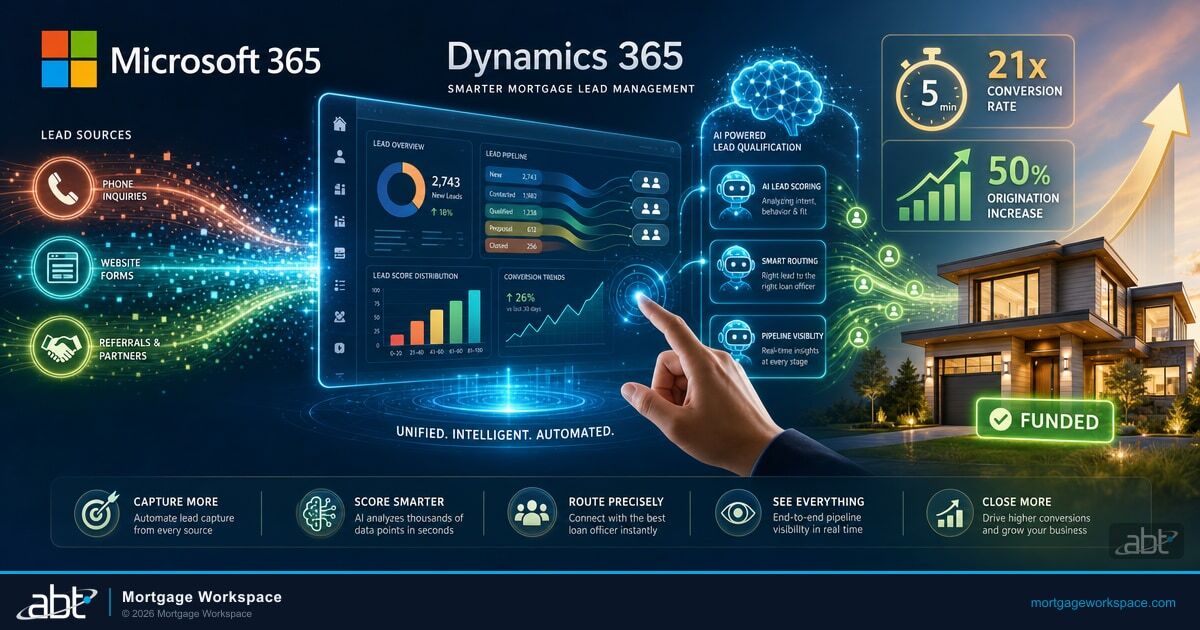
Microsoft's Opportunity Research Agent goes generally available in March 2026. It monitors active deals for risk signals: stalled stages, borrower disengagement, approaching rate lock expiration, and competitive threats. The Sales Qualification Agent, live since October 2025, already researches leads from CRM data and public sources, validates email addresses, and generates personalized outreach. Lenders implementing AI-powered lead platforms report a 50% increase in mortgage origination volume. These are autonomous agents that work your pipeline while your loan officers work the phones.
The timing matters. Over half of mortgage lenders upgraded their core CRM platforms in the past year, according to the Mortgage Bankers Association. The mortgage CRM market is growing at 9% to 11.5% annually. AI adoption among major lenders exceeds 60%. Leads contacted within 5 minutes convert at 21x the rate of those contacted after 30 minutes. If your lead management still runs on spreadsheets and memory, you are competing against companies whose CRM scores, routes, and nurtures leads before your team finishes their morning coffee.
This guide covers how Dynamics 365 works for mortgage lead management specifically, from capture through conversion, with the AI agents that shipped in late 2025 and early 2026.
In This Article
- Why Dynamics 365 for Mortgage Lead Management
- Automated Lead Capture from Every Source
- AI-Powered Lead Scoring and Qualification
- Smart Lead Routing to the Right Loan Officer
- Pipeline Visibility That Drives Decisions
- How Copilot for Sales Changes Mortgage Prospecting
- Connecting Dynamics 365 to Your Loan Origination System
- Frequently Asked Questions
Why Dynamics 365 for Mortgage Lead Management
Mortgage companies choose CRM platforms for one reason: to convert more leads into funded loans without adding headcount. Dynamics 365 delivers on that for three reasons that matter specifically to mortgage operations.
It lives inside the Microsoft ecosystem. Your team already uses Outlook, Teams, and SharePoint. Dynamics 365 integrates with all three natively. A lead's email history in Outlook appears on their Dynamics record. Teams conversations link to loan opportunities. SharePoint document libraries connect to each deal. No data silos. No copy-paste between systems. This connects closely to Microsoft 365 for Mortgage Industry.
It handles regulated data correctly. Dynamics 365 runs on Azure with SOC 2 Type II certification, GLBA-compliant data handling, and Entra ID access controls. When an examiner asks who accessed a borrower's financial information and when, the audit trail is built into the platform.
It scales without re-platforming. When your loan volume doubles during a refinance wave, Dynamics 365 handles the increased data, users, and automation workflows without performance degradation. Cloud-native architecture means you add capacity, not servers.
Automated Lead Capture from Every Source
Every lead source feeds into one system. No manual entry. No lost inquiries.
Website forms: Your contact form, rate calculator, and pre-qualification tool push data directly into Dynamics 365 through Power Automate. Each submission creates a lead record with source attribution, submission timestamp, and the specific form fields the prospect completed.
Third-party portals: Zillow, LendingTree, Bankrate, and other lead aggregators deliver leads through APIs or email. Power Automate parses incoming lead emails and creates Dynamics records automatically. For API-connected sources, leads flow in real-time with full attribution data.
Referral partners: Real estate agents, financial advisors, and builder partners submit referrals through a branded Power Apps portal. Each referral tracks the partner relationship, the referral source, and the commission structure. Partners check their referral status without calling your office.
Marketing campaigns: Email campaigns, social media ads, and event registrations generate leads that flow through Power Automate into Dynamics 365 with campaign attribution. You see exactly which campaign produced each lead and track cost-per-acquisition through to funded loan.
Inbound calls: Teams Phone integration logs inbound calls and creates lead records when callers are not already in the system. Call recordings attach to the lead record for quality monitoring and compliance documentation.
AI-Powered Lead Scoring for Mortgage Lenders
Not every lead deserves the same attention. A borrower who filled out a full pre-qualification form with a 740 credit score and a $400,000 target purchase price is worth more than someone who downloaded a rate comparison PDF. Dynamics 365 scores leads automatically so your loan officers spend time on the right prospects.
Behavioral scoring: Track which pages the prospect visited, which emails they opened, which forms they completed, and how recently they engaged. High engagement signals buying intent. Dynamics 365 assigns points for each interaction and surfaces the highest-scoring leads at the top of your team's queue.
Demographic scoring: Loan amount range, property type, geographic location, employment status, and credit score range all factor into lead quality. Configure scoring models that match your ideal borrower profile. A jumbo loan prospect in your primary market scores higher than a small-balance inquiry outside your service area.
AI qualification with the Sales Qualification Agent: The agent goes beyond scoring. It researches each lead using CRM data and publicly available information, identifies connections to existing customers, validates contact information, and generates a qualification summary. Your loan officer reads a one-paragraph briefing instead of spending 10 minutes on manual research before making the first call. AI-powered scoring improvements become measurable within 4 to 6 weeks as the model learns your specific conversion patterns.
Lead grading thresholds: Define score thresholds that trigger automatic actions. Leads scoring above 80 get assigned immediately to a senior loan officer. Leads between 50 and 80 enter a nurture sequence. Leads below 50 receive automated content and re-engage when their score improves.
Smart Lead Routing to the Right Loan Officer
Speed-to-contact determines conversion. A lead contacted within 5 minutes converts at 21x the rate of one contacted after 30 minutes. Dynamics 365 automated routing eliminates the manual assignment delay that kills deals. Our guide to Microsoft 365 Copilot Buyer's Guide for Mortgage Lenders goes deeper on this.
Territory-based routing: Assign leads to loan officers by geographic region, state licensing, or branch location. A Florida lead goes to a Florida-licensed loan officer automatically.
Product-based routing: FHA leads go to FHA specialists. Jumbo loans go to your high-balance team. VA loans go to officers with military lending experience. Match the lead to the expertise.
Capacity-based routing: Distribute leads evenly across your team based on current pipeline size. An officer with 15 active files gets fewer new leads than one with 8. This prevents burnout on one side and underutilization on the other.
Round-robin with overrides: For general leads that do not match specialty criteria, round-robin distribution provides fairness. Override rules let managers manually assign specific leads when relationships or circumstances warrant it.
Response time monitoring: Track how quickly each loan officer responds to assigned leads. If a lead sits unclaimed for more than 15 minutes, escalation rules reassign it to the next available officer. No lead goes cold because someone forgot to check their queue.
Pipeline Visibility That Drives Decisions
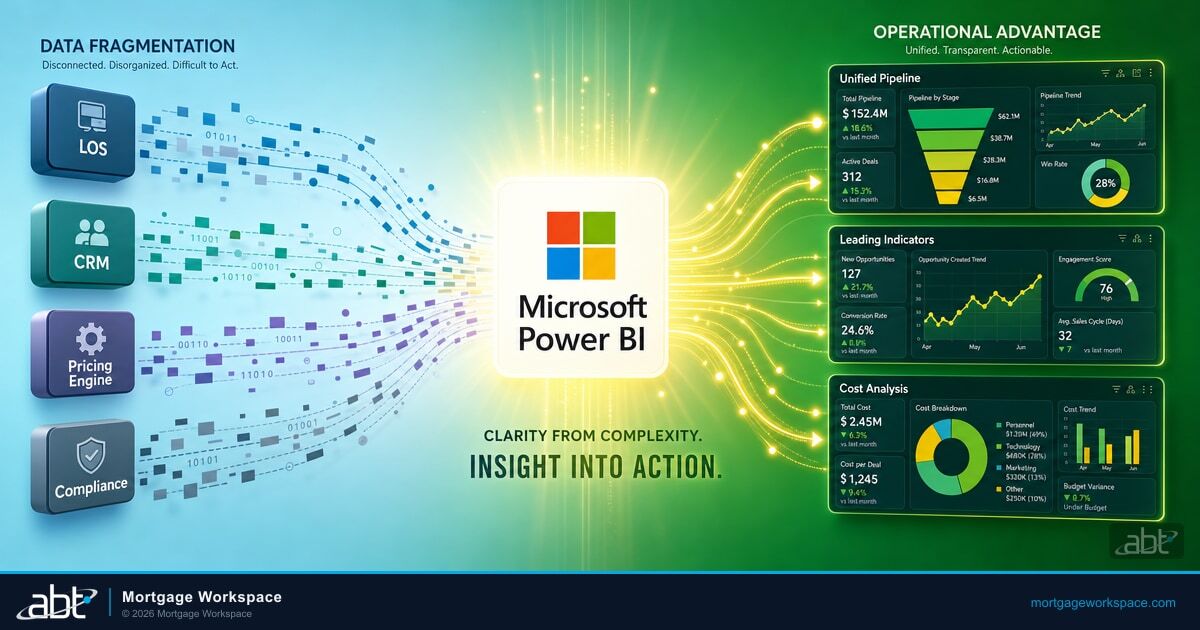
A pipeline you cannot see is a pipeline you cannot manage. Dynamics 365 combined with Power BI creates dashboards that answer the questions mortgage managers ask every day.
Pipeline by stage: See every active opportunity organized by milestone: application received, processing, underwriting, clear to close, funded. Color-coded indicators flag loans that have been in the same stage too long.
Source performance: Which lead sources produce the highest conversion rates? Which ones generate volume but few funded loans? Attribution reporting tracks every lead from first touch to closing, so you invest marketing dollars where they produce revenue.
Loan officer performance: Track conversion rates, average response time, pipeline value, and pull-through percentage by individual loan officer. Use the data for coaching conversations, territory adjustments, and compensation decisions.
Forecasting: Dynamics 365 uses historical conversion rates and current pipeline data to project funded loan volume for the next 30, 60, and 90 days. These forecasts update daily as deals move through stages, giving your CFO reliable revenue projections. See also our breakdown of Migrating to Microsoft 365.
Marketing ROI: Connect campaign spend to funded loans. Calculate true cost-per-acquisition by campaign, channel, and lead source. Stop spending on campaigns that generate clicks but not closings.
How Copilot for Sales Changes Mortgage Prospecting
Copilot in Dynamics 365 Sales is not a chatbot. It is an embedded AI assistant that reads your CRM data, drafts communications, summarizes records, and surfaces insights you would otherwise miss.
Lead research summaries: Open any lead record and Copilot displays a summary of the prospect's engagement history, contact information verification, and suggested next steps. The Sales Qualification Agent enriches this with data from public sources, company information, and relationship mapping to your existing customer base.
Email drafting: Copilot generates personalized outreach emails based on the lead's profile, engagement history, and loan interest. The loan officer reviews, edits if needed, and sends. This cuts the per-lead outreach time from 8 to 10 minutes of writing to 2 minutes of review.
Meeting preparation: Before a discovery call, Copilot summarizes everything about the prospect: previous conversations, documents received, rate quotes provided, and competitive activity. The loan officer walks into the call prepared without spending 15 minutes reviewing notes.
Deal risk detection: The Opportunity Research Agent (GA March 2026) monitors active deals for risk signals: extended time in a stage, borrower disengagement, approaching rate lock expiration, or missing documentation. It alerts the loan officer before the deal goes cold.
Connecting Dynamics 365 to Your Loan Origination System
Dynamics 365 handles lead management and sales. Your LOS handles loan processing. The integration between them determines whether your team does work once or twice.
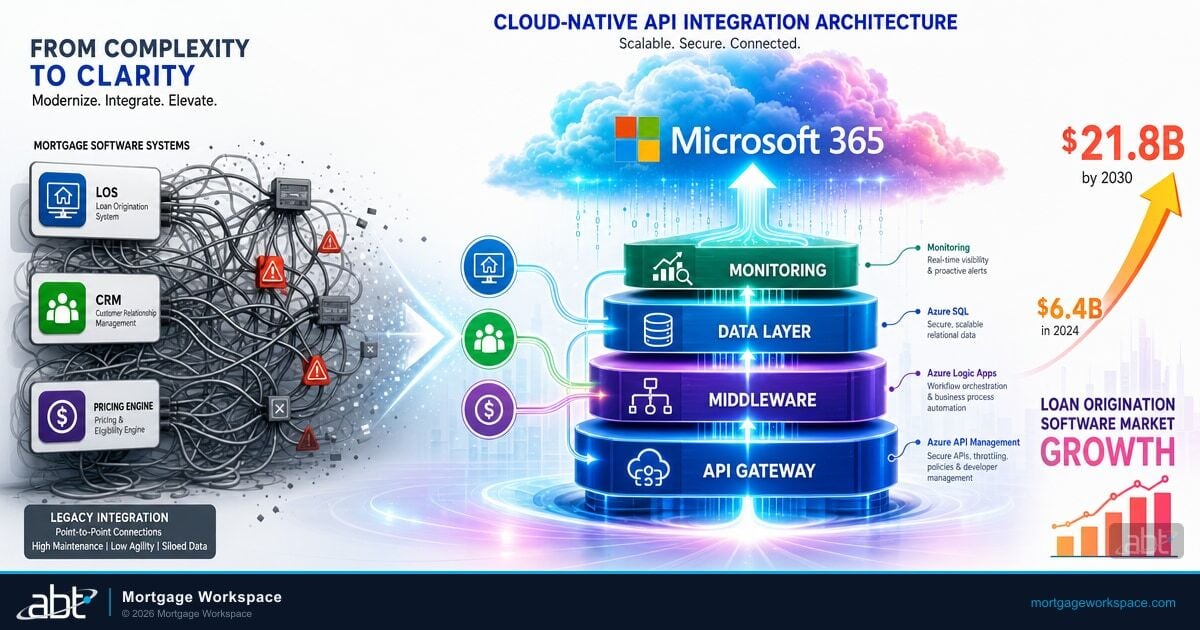
The handoff point: When a lead converts to a funded application in Dynamics 365, Power Automate pushes borrower data, property information, and document metadata to your LOS. The processor starts with a pre-populated file instead of re-entering everything the loan officer already collected.
Status synchronization: Loan status updates in your LOS flow back to Dynamics 365. The loan officer sees processing milestones, underwriting decisions, and closing dates on the same opportunity record where they manage the relationship. No logging into two systems to get a complete picture.
Document linking: SharePoint serves as the bridge. Documents uploaded through the Dynamics 365 workflow land in SharePoint folders that your LOS can access. One document upload serves both systems.
Supported integrations: Encompass, Byte, LoanSoft, and other major LOS platforms expose APIs that Power Automate connects to. Custom connectors handle less common systems. The integration layer is middleware, not replacement. Your LOS stays. Your CRM stays. They start talking to each other.
Frequently Asked Questions
Ready to Stop Letting Leads Slip Through the Cracks?
Dynamics 365 only tames your lead chaos when it is configured for how mortgage teams actually capture, score, and route opportunities. MortgageWorkspace sets it up around your pipeline so your loan officers chase the right leads first.
Dynamics 365 Sales Professional starts at $65 per user per month. Sales Enterprise, which includes the AI-powered Sales Qualification Agent and Copilot features, starts at $105 per user per month. A mid-sized mortgage company with 15 loan officers and 5 managers typically invests $1,200 to $2,100 per month in licensing plus a one-time implementation cost of $25,000 to $60,000.
Yes. Power Automate connects Dynamics 365 to Encompass, Byte, LoanSoft, and other LOS platforms through APIs and custom connectors. The integration synchronizes borrower data, loan status updates, and document references between systems. Loan officers manage the relationship in Dynamics 365 while processors work in the LOS, with both systems showing current data.
Dynamics 365 scores leads based on behavioral signals (page visits, email opens, form completions) and demographic data (loan amount, credit score range, property type, geographic location). The AI model learns from your historical conversion data to identify which lead characteristics predict funded loans. High-scoring leads get assigned immediately while lower-scoring leads enter automated nurture sequences.
The Sales Qualification Agent is an autonomous AI agent released October 31, 2025 that researches leads using CRM data and public sources, validates email addresses, maps relationships to existing contacts, and generates personalized outreach emails. It runs continuously in the background, qualifying leads and surfacing insights so loan officers can focus on conversations rather than research.
Dynamics 365 runs on Microsoft Azure with SOC 2 Type II certification, GLBA-compliant data handling, and encryption at rest and in transit. Entra ID controls user authentication and role-based access. Every data access and modification is logged with user attribution and timestamps, creating the audit trail that examiners require during compliance reviews.
Get Your Mortgage Leads Working for You
Lenders using AI-powered lead platforms report 50% higher origination volume and 40% faster deal cycles. For mortgage companies, those numbers translate directly to more funded loans from the same lead pipeline.
ABT implements and manages Dynamics 365 for 750+ financial institutions as a Tier-1 Microsoft CSP. ABT configures lead scoring models for your borrower profile, builds the Power Automate integrations with your LOS, designs the Power BI dashboards your managers need, and manages the platform long-term. One partner for licensing, implementation, and ongoing support.
Talk to a mortgage IT specialist to see how AI-powered lead management can increase your conversion rates without increasing your headcount.