In This Article
- Security: Protecting Borrower Data at Every Stage
- Compliance: Meeting GLBA, FTC, and State Requirements
- Communication: Keeping Borrowers and Teams Connected
- Productivity: From Loan Application to Closing
- AI and Copilot: What Mortgage Teams Can Use Now
- Getting Started: The Right Microsoft 365 Plan
- Frequently Asked Questions
Microsoft 365 is the most widely deployed productivity platform in mortgage lending. But most mortgage companies use less than 30% of what their licenses include. Email, Word, and Excel get daily use. Defender, Purview, Conditional Access, and Compliance Manager sit untouched.
That gap matters. The tools inside your existing Microsoft 365 license can replace standalone security products, simplify regulatory compliance, and cut hours of manual work from every loan file.
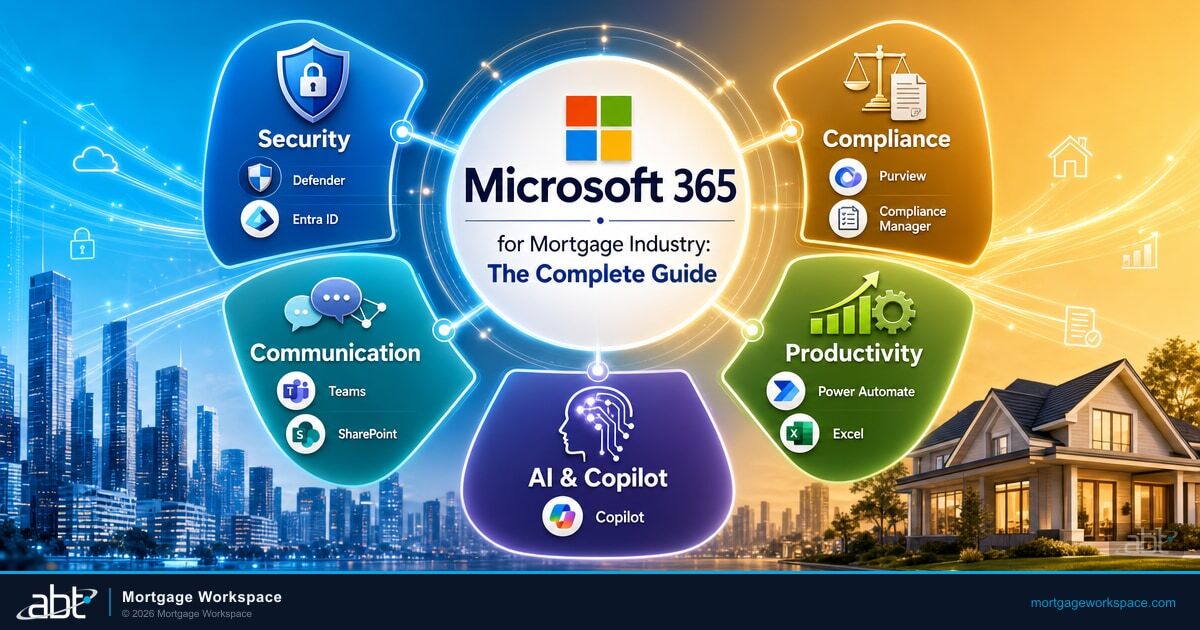
This guide covers five areas where Microsoft 365 delivers the most value for credit unions, banks, and mortgage companies: security, compliance, communication, productivity, and AI capabilities.
Security: Protecting Borrower Data at Every Stage
Financial services reported 739 data compromises in 2025, making it the most targeted sector according to the ITRC's Annual Data Breach Report. Mortgage companies are high-value targets because every loan file contains Social Security numbers, credit reports, and bank account details.
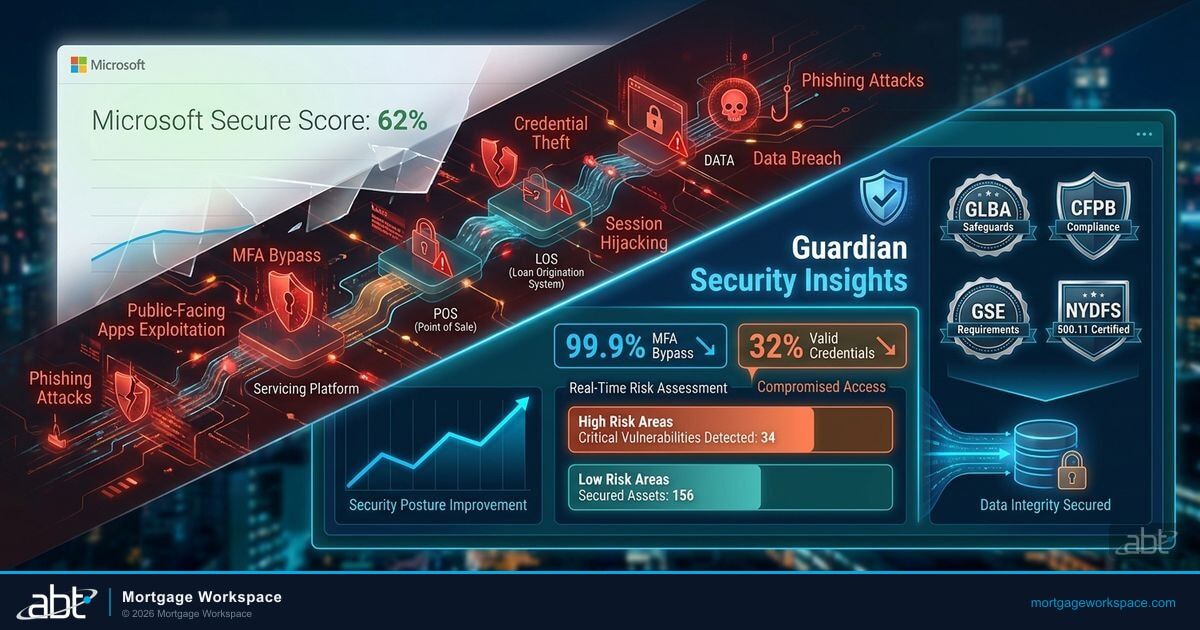
Microsoft 365 includes a full security stack that most mortgage companies already pay for but haven't configured:
| Tool | What It Does | Why It Matters for Mortgage |
|---|---|---|
| Defender for Office 365 | Catches phishing, malicious attachments, impersonation attempts | Loan officers are top phishing targets - wire fraud starts with a single compromised email |
| Multi-Factor Authentication | Blocks 99%+ of credential-based attacks | Prevents stolen passwords from becoming data breaches |
| Conditional Access | Restricts access by location, device, and risk level | Blocks sign-ins from unmanaged devices or untrusted locations |
| Purview DLP | Detects and blocks sensitive data from leaving the org | Prevents SSNs and credit reports from being shared via email or Teams |

These tools work together. Defender catches external threats. MFA prevents stolen credentials from being useful. Conditional Access limits where data can go. DLP catches accidental exposure. Layered defense, one license.
Compliance: Meeting GLBA, FTC, and State Requirements
Mortgage companies operate under GLBA, the FTC Safeguards Rule, state regulations like NYDFS Cybersecurity Regulation, and GSE requirements from Fannie Mae and Freddie Mac. Compliance isn't optional, and penalties are steep - GLBA non-compliance carries fines up to $100,000 per violation.
The Compliance Stack Inside Your License
Compliance Manager maps your Microsoft 365 configuration against GLBA, NIST, and other frameworks - scoring your posture and providing step-by-step remediation. eDiscovery searches and exports records for audits and litigation holds with full chain of custody. Retention policies enforce TRID's 3-year loan file retention automatically. Audit logs record every file access, permission change, and sign-in event - producing the answer in seconds when regulators ask who accessed a borrower file.
State-level privacy laws continue expanding. If your mortgage company operates in multiple states, compliance complexity is increasing every year. Compliance Manager helps you track requirements across jurisdictions from a single dashboard, rather than managing each state's rules separately.
Communication: Keeping Borrowers and Teams Connected
Mortgage closings depend on coordination between loan officers, processors, underwriters, title companies, appraisers, and borrowers. Missed messages and delayed responses push closing dates back.
Microsoft Teams replaces fragmented communication with a single platform: secure messaging between internal teams and external partners, video calls for borrower consultations, channel-based organization by loan file or branch, and file sharing with granular access controls.
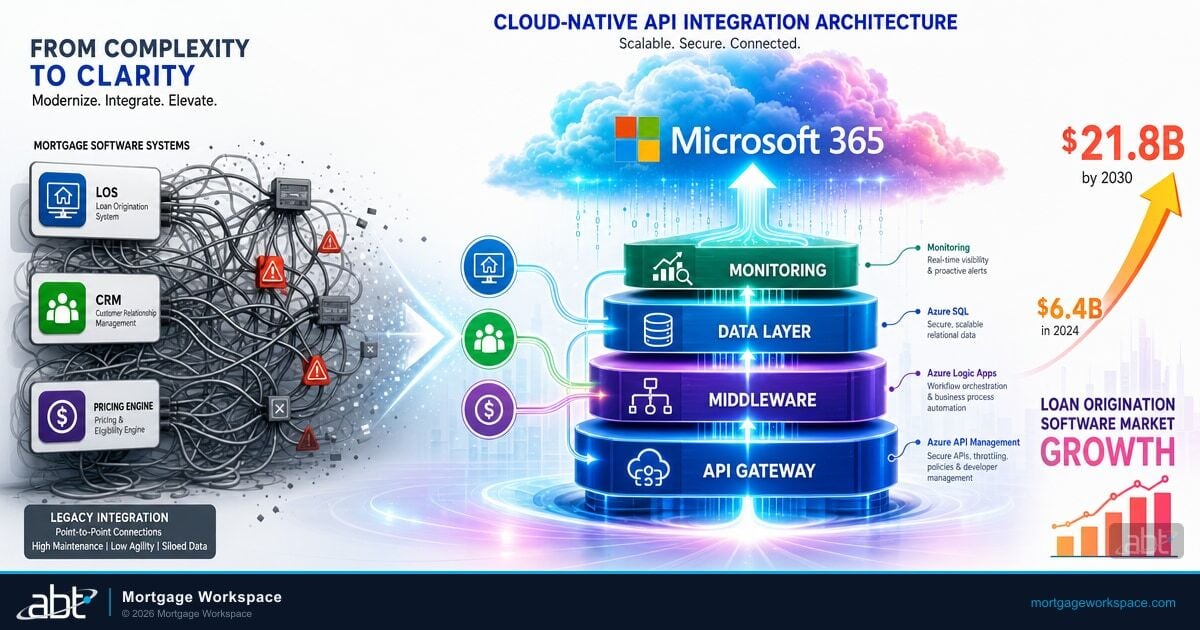
SharePoint provides a secure document hub where borrowers upload files and loan teams access them without email attachments - document libraries organized by loan number, version control, permission-based access down to the document level, and integration with LOS platforms through APIs.
Outlook and Bookings streamline scheduling and correspondence: encrypted email for sensitive documents, shared calendars for rate lock deadlines and closing dates, and Bookings pages so borrowers schedule appointments without the email back-and-forth.
Productivity: From Loan Application to Closing
The average mortgage takes 42 days from application to closing, according to ICE Mortgage Technology's September 2025 data. Much of that timeline isn't spent on actual underwriting. It's spent chasing documents, re-entering data, and waiting for responses.
Microsoft 365 reduces friction at every stage:
Without M365 Automation
- Manual document tracking across email and shared drives
- Loan officers re-enter data between LOS and spreadsheets
- Rate lock expiry alerts depend on someone checking a calendar
- Field loan officers lose access when offline
With M365 Configured Properly
- Power Automate notifies processors instantly when documents upload
- Excel templates standardize calculations across the team
- Automated alerts fire 48 hours before rate locks expire
- OneDrive syncs files for offline access in the field
Lists tracks loan pipeline stages, document checklists, and task assignments without building a custom application. Combined with Power Automate workflows, you can automate the handoffs between stages that currently depend on someone remembering to send an email.
AI and Copilot: What Mortgage Teams Can Use Now
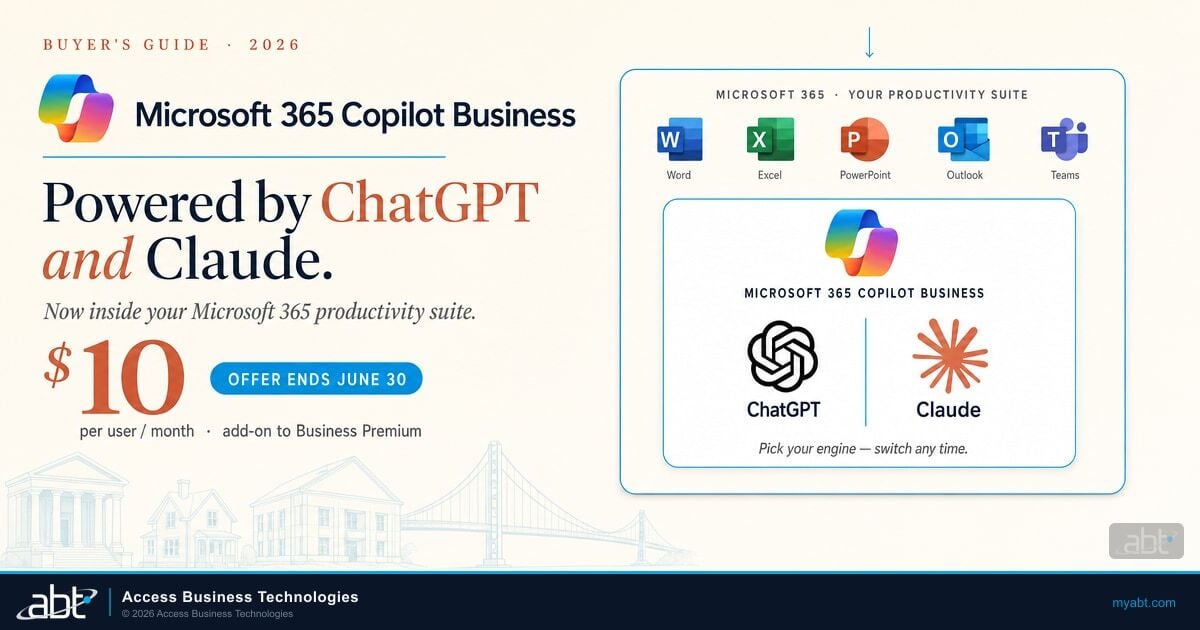
Microsoft 365 Copilot is generally available and expanding capabilities regularly. For mortgage teams, the most practical applications are already live:
A loan officer spends 45 minutes after each borrower meeting typing up notes, creating follow-up tasks, drafting response emails, and building comparison spreadsheets manually. A processor spends 20 minutes summarizing each long email thread to understand document status.
Teams auto-summarizes the meeting, captures action items, and generates follow-up tasks before the call ends. Outlook drafts response emails and prioritizes the inbox by urgency. Excel builds loan comparison workbooks and runs rate-change scenarios through Agent Mode. The loan officer reclaims an hour per day for borrower relationships.

The key to Copilot adoption isn't licensing - it's starting with specific use cases that save each role measurable time. Loan officers benefit most from Outlook and Teams summarization. Processors benefit from Excel automation and document tracking. Underwriters benefit from Word-based document analysis. Start with one role, prove the value, then expand.
For lenders evaluating whether Copilot governance is in place before rolling out AI tools, our Copilot deployment guide covers the security and compliance prerequisites that credit unions, banks, and mortgage companies should address first.
Getting Started: The Right Microsoft 365 Plan
Not every mortgage company needs the same license. Here's how the plans map to mortgage needs:
Choosing Your M365 License
- Business Premium - covers most mid-size mortgage companies (50-300 users). Includes Defender, Intune, Conditional Access, and DLP.
- E3 - adds advanced compliance, unlimited archive, and eDiscovery. Right for larger operations or complex regulatory environments.
- E5 - includes advanced threat protection, auto-labeling, insider risk management, and Sentinel integration. Best for companies with dedicated compliance teams.
The right plan depends on your size, regulatory requirements, and existing security stack. A Tier-1 Microsoft CSP can audit your current environment and recommend the license that covers your needs without overpaying.
Most mortgage companies already pay for security and compliance tools inside their Microsoft 365 license. They just haven't turned them on. A proper M365 assessment typically uncovers 40-60% of licensed capabilities sitting unused.
Mortgage Workspace is a Tier-1 Microsoft Cloud Solution Provider that serves 750+ banks, credit unions, and mortgage companies. We license, configure, secure, and manage Microsoft 365 environments specifically for financial institutions - with compliance dashboards built into every deployment.
Unlock What Your M365 License Already Includes
Most mortgage companies use less than 30% of their Microsoft 365 capabilities. A free assessment from Mortgage Workspace shows you exactly which security, compliance, and productivity tools you're already paying for - and how to turn them on.
Frequently Asked Questions
Microsoft 365 Business Premium is the best starting point for mid-size mortgage companies with 50 to 300 users. It includes Defender for Office 365, Intune device management, Conditional Access, and data loss prevention. Larger operations or companies with complex compliance needs should consider E3 for advanced eDiscovery and retention, or E5 for insider risk management and advanced threat protection.
Microsoft 365 Copilot helps loan officers by drafting email responses in Outlook, summarizing meeting notes and action items in Teams, building loan comparison spreadsheets in Excel, and generating borrower correspondence in Word. Copilot in Excel now supports Agent Mode that creates amortization schedules and runs rate change scenarios without manual formula work. These capabilities reduce administrative time so loan officers can focus on borrower relationships.
Yes. Microsoft 365 integrates with mortgage LOS platforms through APIs, Power Automate workflows, and SharePoint document libraries. When a borrower uploads documents through a portal, Power Automate can notify processors via Teams and update tracking lists automatically. SharePoint serves as the document hub that connects to Encompass and other LOS platforms through standard API integrations.
Microsoft 365 Compliance Manager includes built-in assessments for GLBA, NIST Cybersecurity Framework, SOC 2, ISO 27001, and FTC Safeguards Rule requirements. It scores your current configuration against each framework and provides step-by-step remediation actions. Compliance Manager tracks progress over time and generates reports that demonstrate your compliance posture to auditors and regulators.