In This Article
Funded mortgage volume rose 15 percent year-over-year in January 2026, with the retail channel up 32 percent. More loans means more borrower relationships to manage. If your loan officers are switching between Encompass and Salesforce to track those relationships, your shop is burning time on every single file, and the back office is reconciling two pipelines that should already agree. Access Business Technologies has run mortgage interfaces of exactly this shape for 25 years through its MortgageExchange product, and the pattern that separates a successful Encompass-to-Salesforce integration from an expensive failure is no longer a mystery.
What ABT Adds On Top of an Encompass-Salesforce Integration
- MortgageExchange is the production-grade interface layer between Encompass and downstream systems including Salesforce, the core banking system, and the document repository. ABT has operated MortgageExchange interfaces for hundreds of lenders since well before middleware became a marketing category.
- Microsoft 365 Copilot turns the synced Salesforce timeline into next-action recommendations the loan officer can act on inside Outlook and Teams, rather than another report the team has to read.
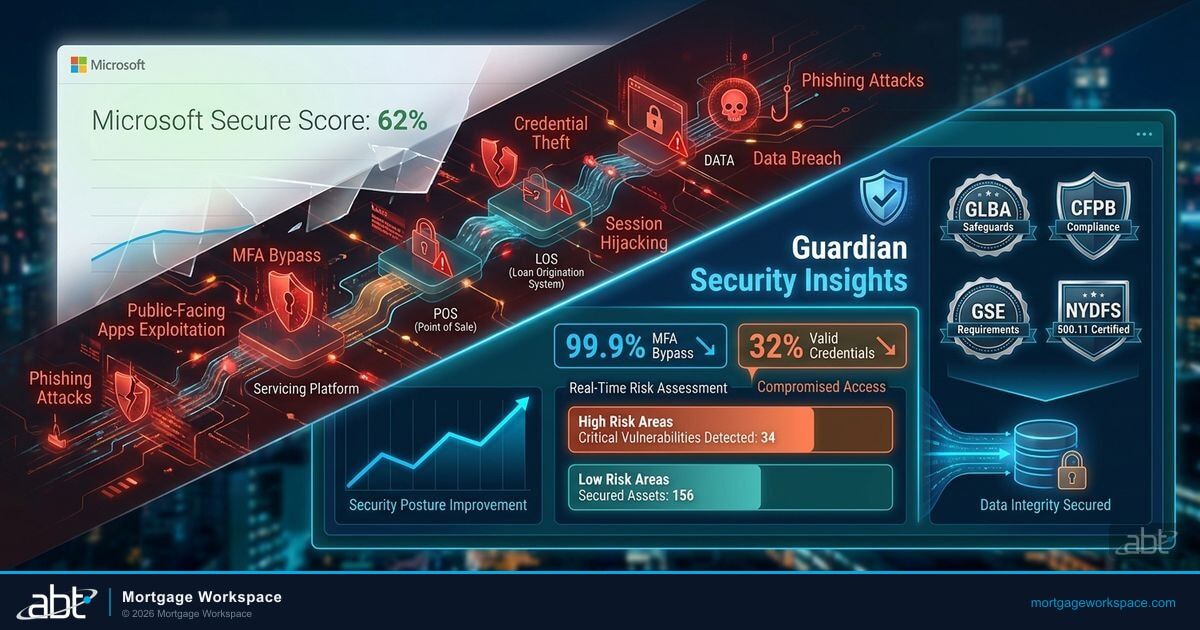
- M365 Guardian is the managed Microsoft 365 security and compliance operating model that protects the borrower data flowing through the integration. Customer NPI, order tickets, and supervisory correspondence each get their own data-loss-prevention and retention profile, configured the same way across every tenant in the lender's footprint.
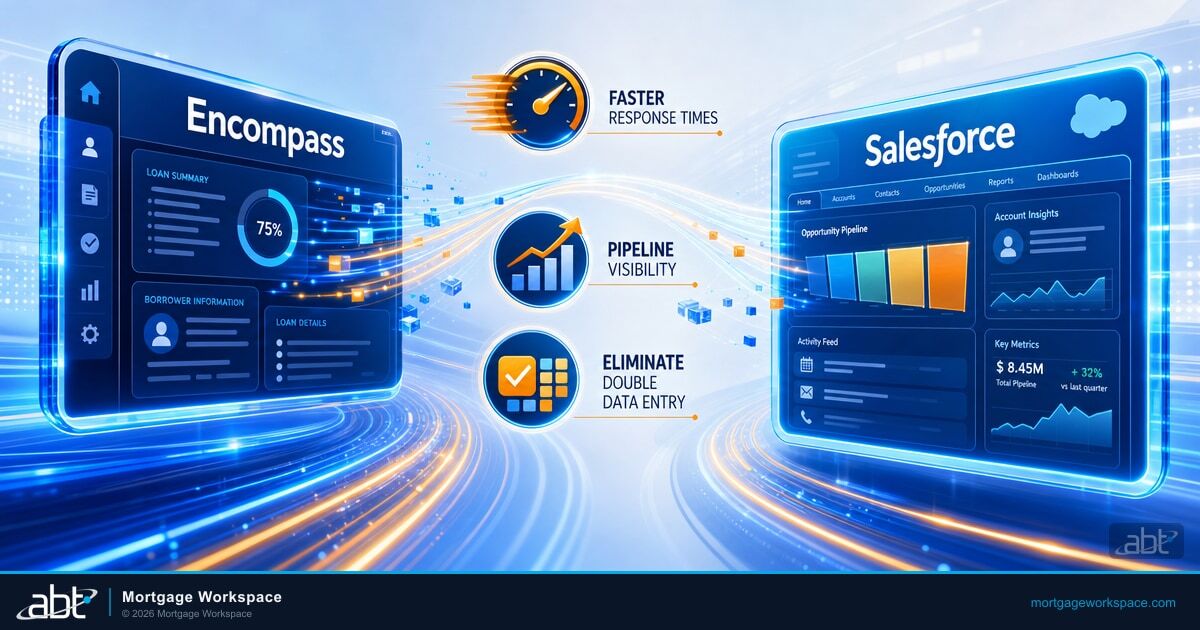
Integrating Encompass with Salesforce connects your loan origination system to your CRM. Loan status updates flow to Salesforce automatically. Borrower records stay consistent across both systems. Follow-up tasks trigger without manual intervention. The result is fewer data entry errors, faster response times, and loan officers who spend their day closing loans instead of updating spreadsheets. This guide covers the benefits of the integration, how to plan it, and the implementation steps that separate successful projects from the failures that show up six months later as duplicate borrower records and a sales manager who has stopped trusting the dashboards.
Why Integrate Encompass with Salesforce
Encompass, built by ICE Mortgage Technology, handles the loan lifecycle from application to closing. Salesforce manages leads, contacts, and sales activity. Both systems hold borrower data. Without integration, that data lives in two places with no automatic sync, and the two teams sitting in front of those systems eventually develop two different opinions about the truth.
The disconnect creates real operational costs. Loan officers re-enter borrower information. Sales managers build pipeline reports from manual exports. Processors discover outdated contact details mid-file. Borrowers receive conflicting communications from different team members. Each of those costs has been measured at lenders ABT supports, and each disappears as soon as a production-grade interface is in place.
Integration eliminates the gap. Every loan milestone in Encompass appears in Salesforce. Every new Salesforce lead that converts to an application creates the right Encompass records. One entry point per data field. One source of truth per data field. The loan officer types once, and the pipeline view reflects the entry within the next sync cycle.
Three Measurable Benefits of an Encompass-Salesforce Integration
1. Eliminate Double Data Entry
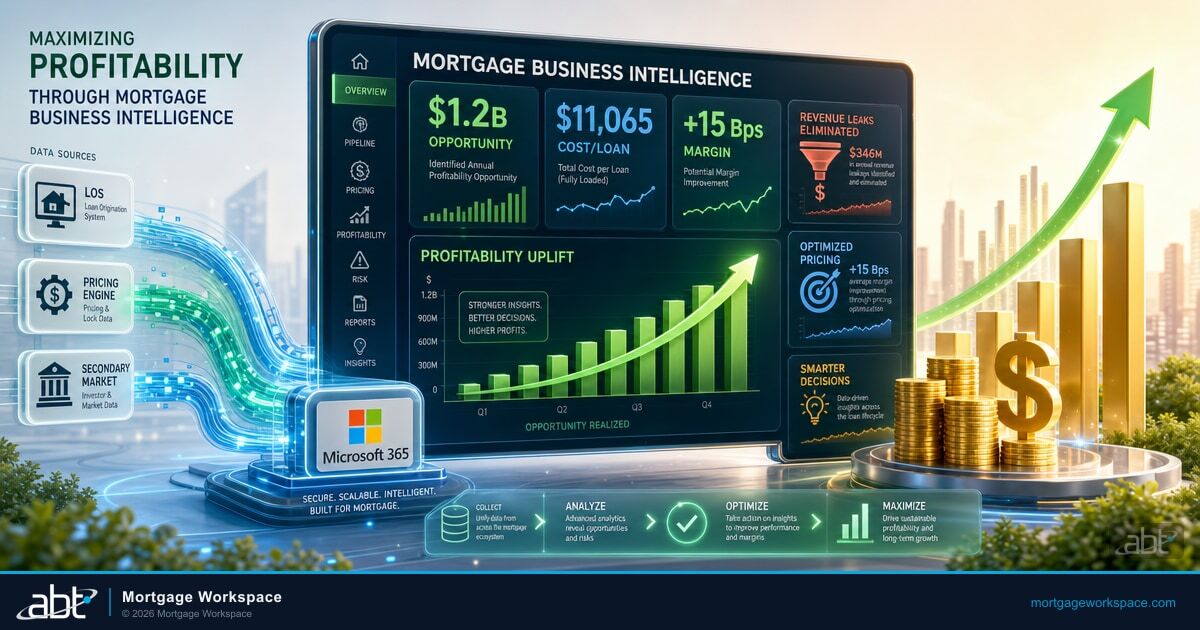
Loan officers type borrower details into Encompass during application intake. Without integration, someone re-enters that same information into Salesforce for pipeline tracking. With integration, the data syncs automatically. Borrower name, loan amount, property address, and loan status appear in both systems from a single entry. Mortgage origination costs average over $11,000 per loan. Manual data entry across disconnected systems adds labor cost to every file and introduces transcription errors that surface downstream as compliance exceptions.
2. Faster Borrower Communication
When a loan hits a milestone in Encompass, Salesforce can trigger an automated communication. Conditional approval triggers a congratulations email. Clear-to-close triggers a closing preparation checklist. The borrower hears from the lender at the right moment without anyone watching a dashboard. Automated milestone notifications cut response time from hours to minutes. Borrowers who receive timely updates report higher satisfaction and refer more business at the next refinance cycle.
3. Pipeline Visibility Without Manual Reporting
Sales managers need to see loan progress alongside CRM metrics. Without integration, that means exporting Encompass data, formatting spreadsheets by hand, and building reports that are stale before the meeting starts. With integration, Salesforce dashboards show live loan pipeline data pulled from Encompass. Conversion rates, average days to close, and loan volume by originator all update in real time. Decisions get made on current data instead of last week's export. We cover Integrating LOS and CRM Platforms Without Breaking Your Data Stack in a companion piece.
Planning Your Encompass-Salesforce Integration
Define Your Data Ownership Rules
Before any technical work begins, decide which system owns which data fields. Encompass owns loan data: loan amount, rate, status, milestones, compliance documents. Salesforce owns sales data: lead source, marketing campaign, sales activity, notes from borrower calls. Contact information needs a clear ownership rule. If a borrower's phone number changes, does the update come from Encompass or Salesforce? Pick one. Bidirectional sync on the same field without clear ownership creates data conflicts that the team has to resolve by hand every week.
Map Your Fields
Create a field mapping document before touching any configuration. Map every Encompass field to its Salesforce equivalent. Note data type differences. Encompass loan amounts use decimal precision. Salesforce currency fields may round differently. Date formats, picklist values, and address structures all need explicit mapping rules. The mapping document is also the artifact the lender's compliance officer will reference during the next FTC Safeguards review.
Choose Your Integration Method
Three approaches work for Encompass-to-Salesforce integration:
| Approach | What It Is | Best Fit |
|---|---|---|
| Middleware platforms | Tools like MuleSoft, Workato, or Zapier provide pre-built connectors for both systems with point-and-click field mapping and webhook support. | Mid-size lenders without dedicated developers who need an integration in 30 to 60 days and can accept the connector vendor's data model. |
| Custom API integration | The lender's development team builds direct connections using Encompass Developer Connect and the Salesforce REST API. | Lenders with complex business logic, multiple loan types, or a Salesforce instance heavily customized for non-mortgage business lines. |
| Managed interface service | An interface partner like ABT handles design, build, testing, monitoring, and ongoing change management through MortgageExchange. | Lenders that need the integration but lack the bandwidth to manage it, or that already operate other mortgage interfaces ABT runs (core banking, document repository, doc-prep vendor). |
Plan for Compliance
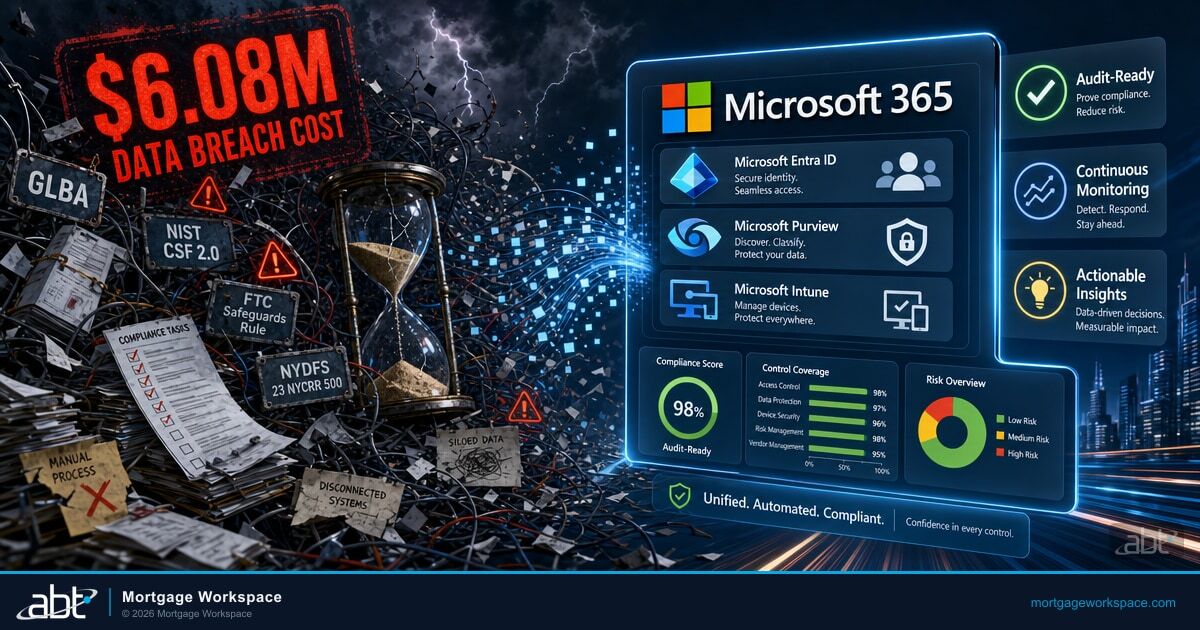
Borrower data falls under the Gramm-Leach-Bliley Act, state privacy laws, and the FTC Safeguards Rule. Your integration must encrypt data in transit, enforce role-based access in both systems, and maintain audit logs of every data transfer. If your Salesforce instance is accessible to users who should not see borrower financial data, fix that before enabling the sync. Microsoft Purview and Microsoft Entra ID on the Microsoft 365 side of the lender's environment supply the data-loss-prevention, access control, and audit log layer that surrounds the integration. ABT's M365 Guardian operating model configures and monitors those Microsoft surfaces against the same examiner expectations the lender's own compliance team is preparing for.
Implementation Steps Through MortgageExchange
The implementation phases below describe the canonical sequence regardless of which approach the lender chooses. When ABT runs the interface through MortgageExchange, every step below is operated by the MortgageExchange team rather than the lender's IT staff. The lender's team focuses on the business rules, the field ownership decisions, and the user acceptance testing. The technical heavy lifting is the partner's responsibility.
Step 1: Configure API Access
Set up Encompass Developer Connect with a dedicated API user. Generate OAuth credentials. In Salesforce, create a connected app with the appropriate API permissions. Test authentication from the middleware or integration code. Restrict the integration user's permissions to the minimum required scope on both sides so the partner relationship aligns with least-privilege expectations. See also our breakdown of Exploring API Integrations for Encompass.
Step 2: Build Field Mapping in Middleware
Configure the field mapping you documented in the planning phase. Transform data types where they differ between systems. Set default values for required Salesforce fields that may not exist in Encompass. Document every transformation rule, since this becomes the artifact your IT auditor will want to review.
Step 3: Configure Webhook Triggers
Set up Encompass webhooks for loan milestone events. Each webhook fires when a specific event occurs: loan created, milestone updated, document uploaded, loan closed. The middleware receives these events and initiates the sync to Salesforce. Webhook retry behavior matters. The middleware must handle transient failures and produce a usable error log when a sync genuinely fails.
Step 4: Build the Salesforce-to-Encompass Flow
When a Salesforce lead converts to a loan application, the integration should create the corresponding Encompass record. Map the lead's contact information, property details, and initial loan parameters to Encompass fields. This is the bidirectional path most teams overlook in planning, and the path that most directly compresses the lead-to-application timeline that a sales manager measures.
Step 5: Test With Real Scenarios
Run 15 to 25 test loans through the full lifecycle. Create an application in Encompass. Verify it appears in Salesforce. Move the loan through milestones. Confirm each status change reflects in the CRM. Test edge cases: what happens when a loan is denied? When a borrower's name changes? When two loans exist for the same borrower? When a document is deleted? The test scenarios should be agreed in writing before the build phase begins so testing produces yes-or-no answers rather than judgment calls.
Step 6: Train and Launch
Train loan officers on what changes in their daily workflow. Show sales managers the new dashboard data. Document the escalation path for sync errors. Monitor the integration closely for the first two weeks after launch. When ABT operates the interface through MortgageExchange, monitoring continues 24x7 with documented runbooks for every alert class. The lender sees the operational outcomes without staffing the on-call rotation.
Microsoft 365 Copilot and M365 Guardian on the Integration Layer
An Encompass-to-Salesforce sync is the foundation. The productivity unlock sits on top, where the loan officer actually works, which is Outlook, Teams, and the loan-officer dashboard. Microsoft 365 Copilot reads the synced milestone history alongside the borrower's email and meeting context, and produces the next-action recommendation directly inside the productivity surface the loan officer already uses. Instead of opening Salesforce to find the next call to make, the loan officer sees the recommendation in the morning summary email and acts on it in two clicks. ABT, as a Tier-1 Direct-Bill Microsoft Cloud Solution Provider, manages the Microsoft 365 Copilot deployment for the lender and tunes the role-specific prompts and grounding patterns that make Copilot useful for mortgage roles in particular.
Three Microsoft surfaces wrap an Encompass-Salesforce integration once it is live. Microsoft Entra ID supplies the identity layer for both API service principals and the human users who consume the synced data, with Conditional Access policies that gate access by device posture and sign-in risk. Microsoft Purview applies data-loss-prevention rules and tamper-evident audit logs to the borrower data flowing through the integration. Microsoft 365 Copilot reads the synced timeline and the borrower's email and meeting context, and produces the next-action recommendation inside Outlook and Teams. ABT's M365 Guardian operating model configures and monitors all three surfaces against examiner expectations across the lender's tenants.
The security layer matters even more once the integration is live. The integration carries customer NPI between two systems that examiners scrutinize separately, and a misconfigured Salesforce permission set is the most common way a lender accidentally exposes loan data to a marketing user who should not see it. M365 Guardian is the operating model ABT layers on top of Microsoft Defender, Microsoft Purview, Microsoft Sentinel, and Microsoft Entra ID to keep that exposure surface closed. Conditional Access blocks the legacy authentication paths attackers reuse. Purview Audit Premium retains the time-stamped trail of every access to borrower data for one year, extendable to ten. Microsoft Sentinel aggregates the Defender and Purview signals into a single incident timeline that satisfies FTC Safeguards Rule incident response obligations. The Guardian layer is where the productivity gain from the integration gets protected.
The integration is the productivity unlock. M365 Guardian is what keeps that productivity from creating a compliance liability the next month.
Ongoing Optimization
- Monitor sync health daily. Check error logs in the middleware. A failed sync today becomes a data gap tomorrow and a borrower complaint the week after that.
- Review field mapping quarterly. Encompass and Salesforce both release updates. New fields may become available. Existing fields may change behavior. The quarterly review is the place to catch those changes before they break a production sync.
- Track the right KPIs. Measure loan turnaround time, lead-to-close conversion rate, and time-to-first-contact after application. These metrics show whether the integration is delivering business value or just moving bytes around.
- Keep both systems updated. Outdated API versions cause compatibility breaks. Schedule Encompass and Salesforce updates together and test the integration after each release. ABT, when operating the interface through MortgageExchange, handles this calendar on the lender's behalf.
Key Takeaway
An Encompass-to-Salesforce integration is the technical project. MortgageExchange is the way Access Business Technologies operates that integration for mortgage lenders that need the productivity gain without standing up an in-house interface team. Microsoft 365 Copilot turns the synced data into next-action recommendations the loan officer can act on inside Outlook and Teams. M365 Guardian configures and monitors the Microsoft Purview, Microsoft Entra ID, and Microsoft Sentinel layers that protect the borrower data flowing through the integration. The combination is the productivity-plus-security pattern that examiner-facing mortgage operations want. Our guide to The Ultimate Guide to Connecting Encompass with Microsoft Dynamics for S goes deeper on this.
Get an Encompass-Salesforce Integration Plan From an ABT Specialist
ABT runs MortgageExchange integrations between Encompass, Salesforce, core banking systems, and document repositories for lenders that need the productivity gain without standing up an in-house interface team. A 30-minute conversation maps your current data flow, surfaces the gaps that will show up in the next FTC Safeguards review, and outlines what an ABT-managed integration would cover. No commitment, no quote, no obligation.
Frequently Asked Questions
At minimum, sync borrower contact information, loan amount, loan status, milestone dates, assigned loan officer, and property address. Salesforce should also receive loan program type and estimated closing date for pipeline reporting. Avoid syncing sensitive compliance documents through the CRM. Those belong in Encompass with proper access controls under Gramm-Leach-Bliley Act and FTC Safeguards Rule requirements. When ABT operates the integration through MortgageExchange, the field set is documented in a written interface specification the lender approves before any sync goes live.
A typical implementation takes four to ten weeks depending on complexity. Simple integrations using pre-built middleware connectors with basic field mapping finish in four to six weeks. Custom integrations with complex business logic, multiple loan types, and advanced Salesforce automation push toward eight to ten weeks. Testing and training usually consume 30 percent of the total timeline. When ABT runs the build through MortgageExchange, the discovery and field-mapping work is compressed because the team already has the canonical mortgage field model.
No. The integration connects your existing Encompass and Salesforce instances through APIs. Both systems continue to function independently. The middleware layer or the MortgageExchange interface handles data transformation and sync between them. The lender does not need to change its loan origination system or its CRM. The lender needs API access enabled on both platforms and a middleware or managed-interface solution to bridge them. The lender's licensing relationships with ICE Mortgage Technology and Salesforce are unaffected.
The integration uses encrypted HTTPS connections for all data transfers between systems. OAuth 2.0 authentication controls API access. Role-based permissions in both Encompass and Salesforce restrict who sees borrower financial data. Audit logs in the middleware track every data transfer event. Microsoft Purview Audit on the Microsoft 365 side records every access to the synced borrower data inside Outlook, Teams, and SharePoint Online. ABT's M365 Guardian operating model layers Microsoft Defender, Microsoft Entra ID Conditional Access, and Microsoft Sentinel on top of Purview to produce the documented evidence the lender's compliance team needs for the next FTC Safeguards Rule review.
Microsoft 365 Copilot sits inside Outlook, Teams, Word, and Excel. Once the Encompass-to-Salesforce sync is live, Copilot can read the borrower's loan milestone history, recent email exchanges, and meeting notes together. The loan officer asks for the next-action summary in the morning, and Copilot produces a prioritized list of follow-ups grounded in real loan data rather than generic templates. ABT manages the Microsoft 365 Copilot deployment for the lender as a Tier-1 Direct-Bill Cloud Solution Provider and tunes the grounding and prompt patterns that make Copilot useful for mortgage roles specifically.
MortgageExchange is the production-grade interface product ABT operates between Encompass, Salesforce, core banking systems, and document repositories. The platform supplies the canonical field model for mortgage data, the webhook handling, the error-recovery runbooks, and the 24x7 monitoring that a managed interface needs. Lenders choose MortgageExchange when they want the productivity gain of an Encompass-Salesforce integration without standing up an in-house interface team. The lender owns the data and the business rules. ABT runs the wire.